Free HTML email templates for Gmail
17 templates across 6 categories, free to copy, edit and send. Built table first with inline styles, which is the only shape Gmail keeps.
17 templates
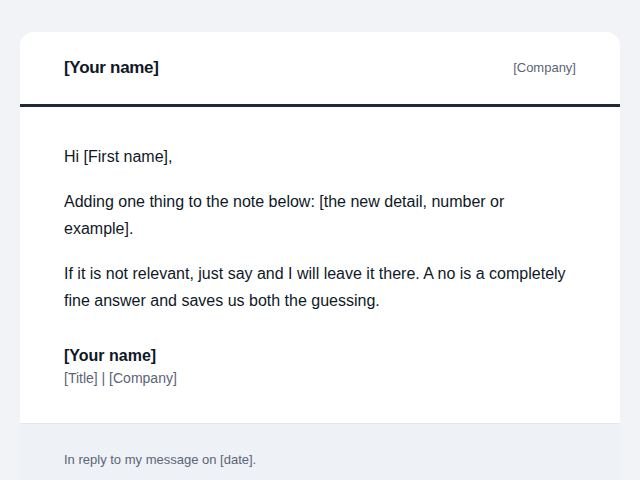 Follow ups
After no reply
The second email when the first one got silence.
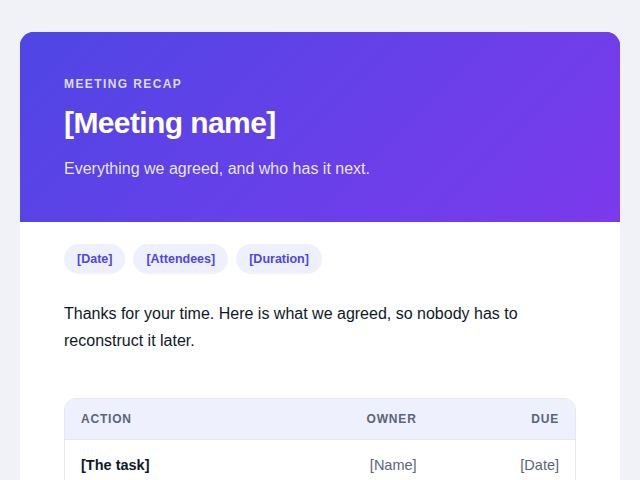 Follow ups
After a meeting
Confirming what was agreed while it is still fresh.
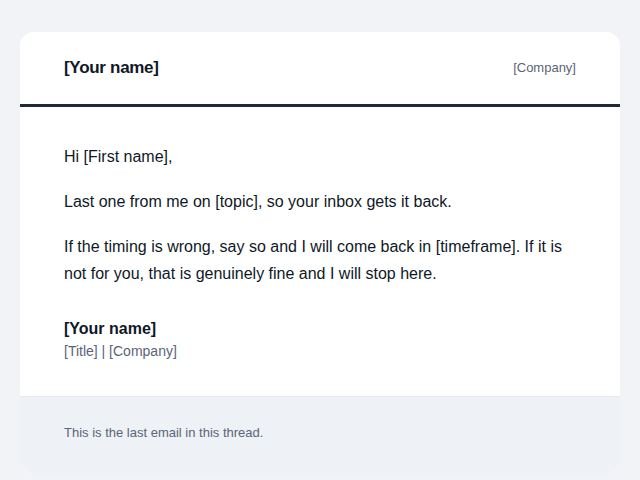 Follow ups
Final nudge
The last email before you close the thread for good.
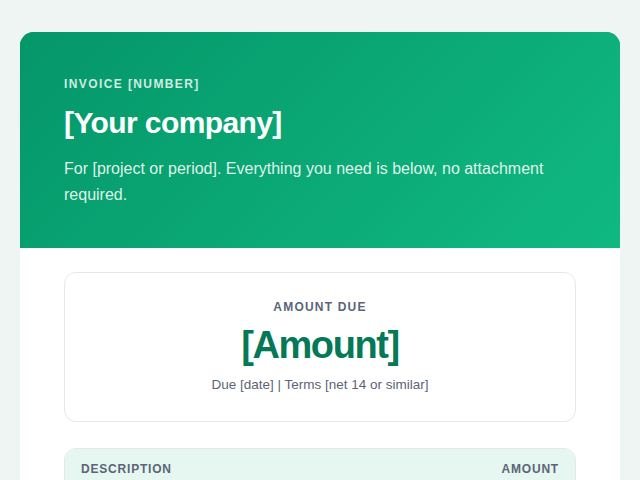 Invoices and payments
Invoice email
Sending an invoice so it gets paid without questions.
 Invoices and payments
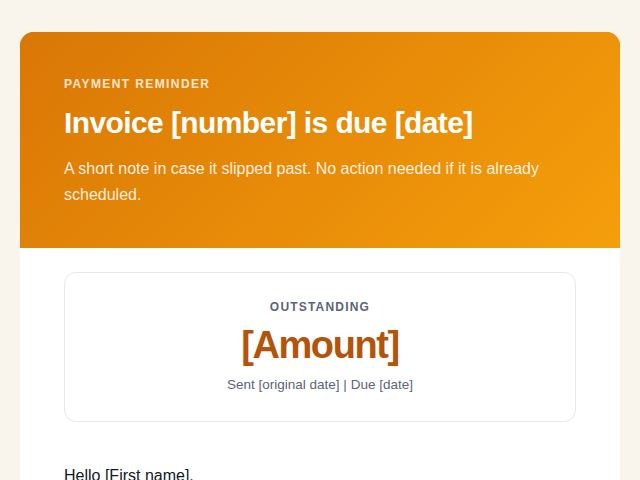
Payment reminder
A polite nudge as the due date approaches or just passes.
 Invoices and payments
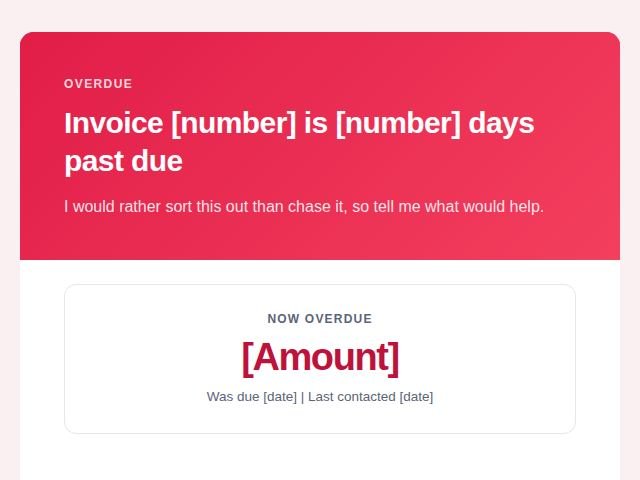
Overdue notice
A firmer message once an invoice is well past due.
 Meetings and projects
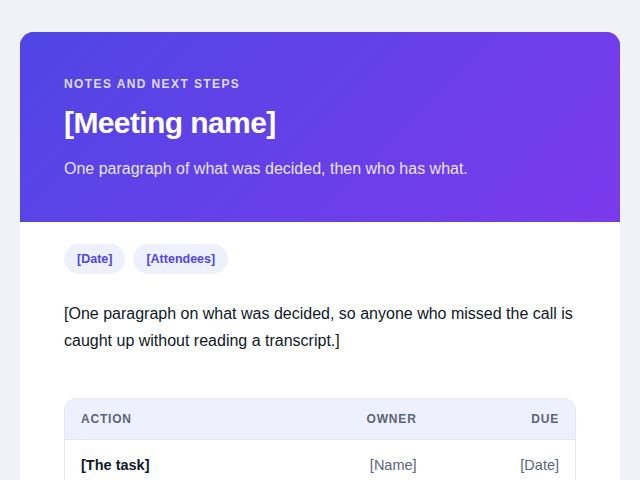
Recap with actions
The written record of what a meeting decided.
 Meetings and projects
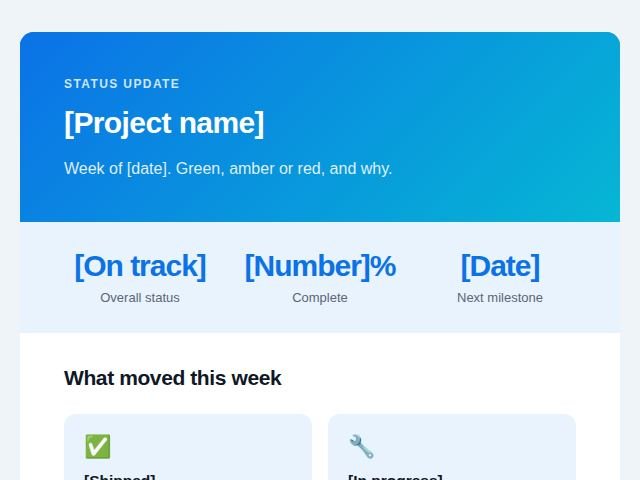
Project status update
The regular update that stops people asking for one.
 Meetings and projects
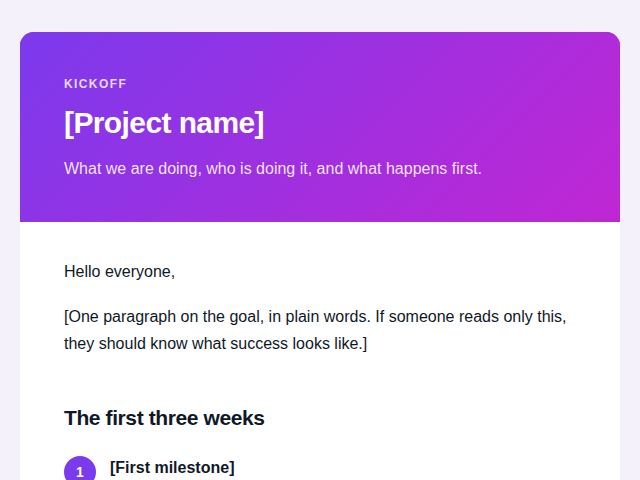
Project kickoff
Setting expectations at the start so they hold later.
 Job and recruiting
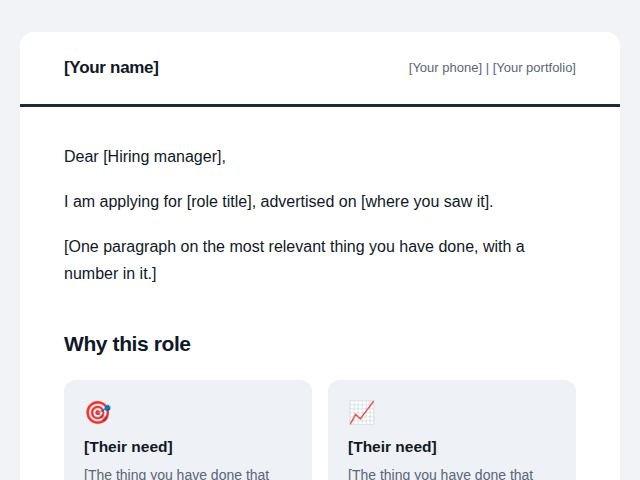
Job application
The email that carries your CV.
 Job and recruiting
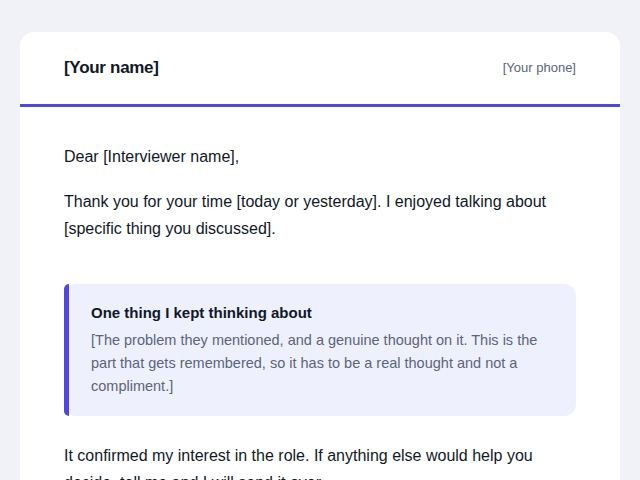
After the interview
The thank you that adds something rather than repeats.
 Offers and promotions
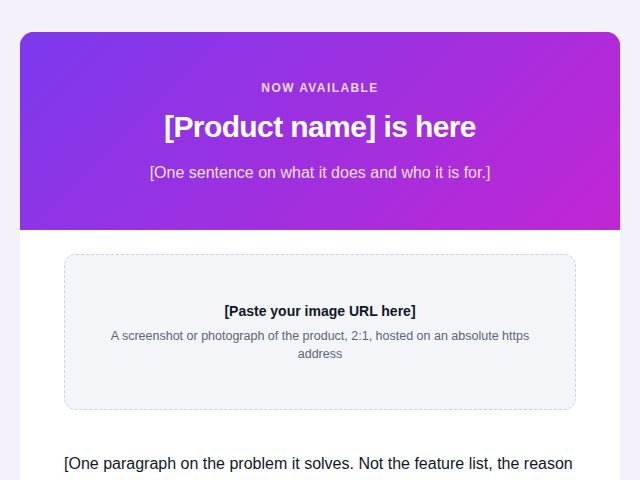
Launch offer
Announcing something new with a reason to act now.
 Offers and promotions
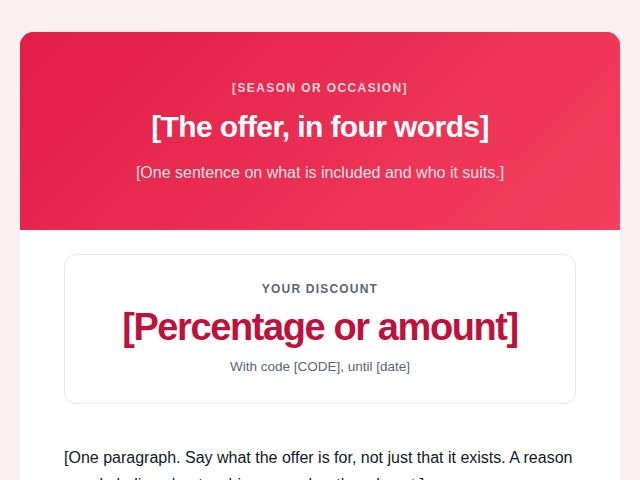
Seasonal offer
A time bound promotion tied to a date everyone knows.
 Offers and promotions
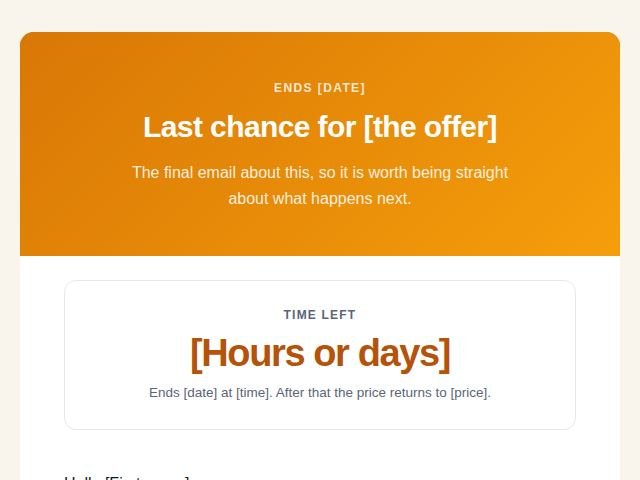
Last chance reminder
The final email before an offer closes.
 Announcements
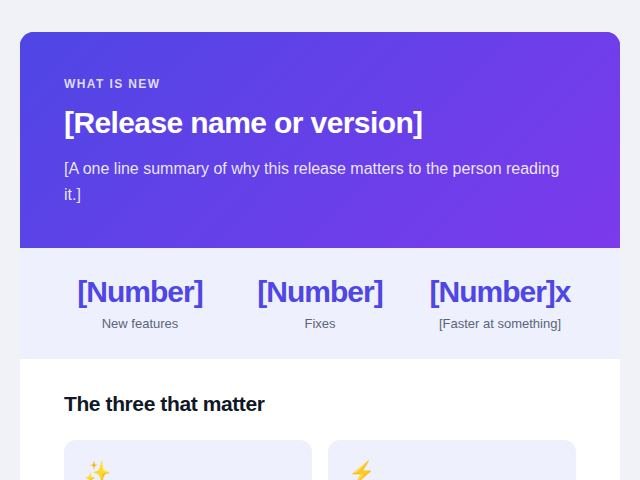
Product update
Telling users what changed and why it matters to them.
 Announcements
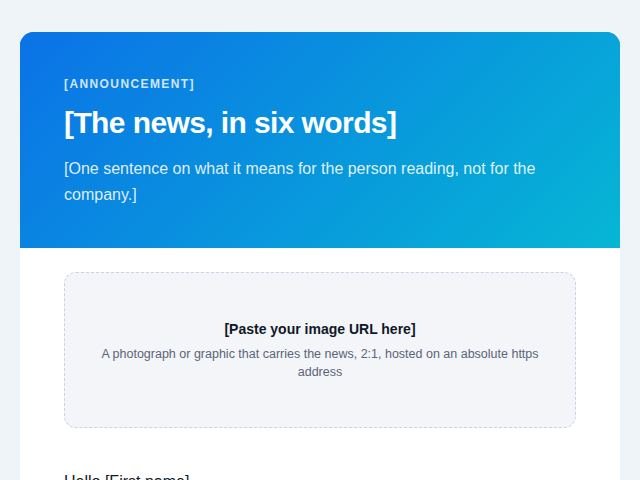
Company news
A milestone, hire or change worth telling people about.
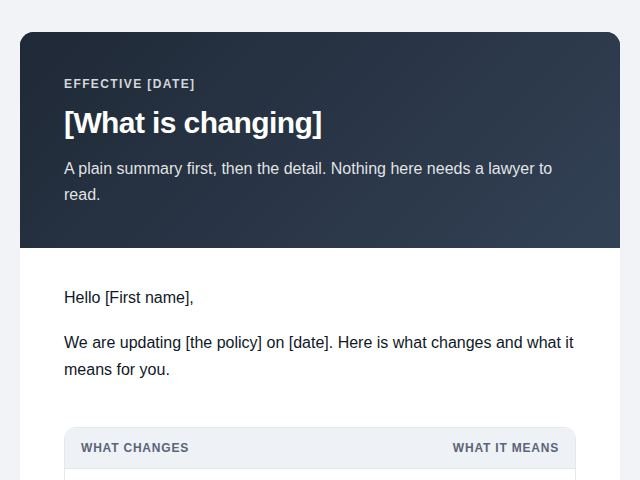 Announcements
Policy or terms change
Notifying people about changes they may not welcome.
No template matches that search. Try a shorter word, or pick a category on the left.
Why HTML emails break in Gmail
Gmail renders like a browser while you compose and like something much stricter when you press
Send. On the way out it strips <style> blocks, class and
id attributes, CSS Grid, flexbox alignment and media queries. Anything that depended
on them is gone by the time it lands.
That is why every template here uses tables for layout and writes each style directly on the element. It is old fashioned markup, and it is the reason the design survives.
How to use a template
- Open the template you want and press Copy the HTML.
- In Gmail, press Compose, then open Mailplate from the toolbar and paste.
- Replace anything in square brackets. Those are the parts that need your words.
- Send yourself a test first. It takes ten seconds and catches a broken image every time.
Questions
Are these email templates free?
Yes. Every template on this site is free to copy, edit and send, for personal or commercial work. No account, no signup, no limit on how many you use.
Do they work outside Gmail?
They do. Table based markup with inline styles is the safest shape in Outlook, Apple Mail, Yahoo and most mobile clients, so a template built for Gmail travels well.
Can I edit the wording?
You are meant to. Every template is a starting point with the variable parts marked in square brackets. Change the copy, the colours and the button text before you send it.
Do I need the extension to use them?
No. You can copy the HTML and paste it anywhere that accepts HTML email. Mailplate exists because Gmail has no way to paste raw HTML into a compose window, which is the one step that is otherwise awkward.
Use this template in Gmail
Copy the HTML above and paste it into Mailplate, the free Gmail extension that inlines the CSS so the layout survives sending. Or edit the wording directly in the preview and insert it into your message.
See Mailplate